
Managing Instagram and LinkedIn from one dashboard cuts context-switching and keeps your content calendar in a single place. In Athenous you connect both accounts once in Connections, then create and schedule posts from Post. Here’s how.
Step 1: Add Instagram and LinkedIn in Connections
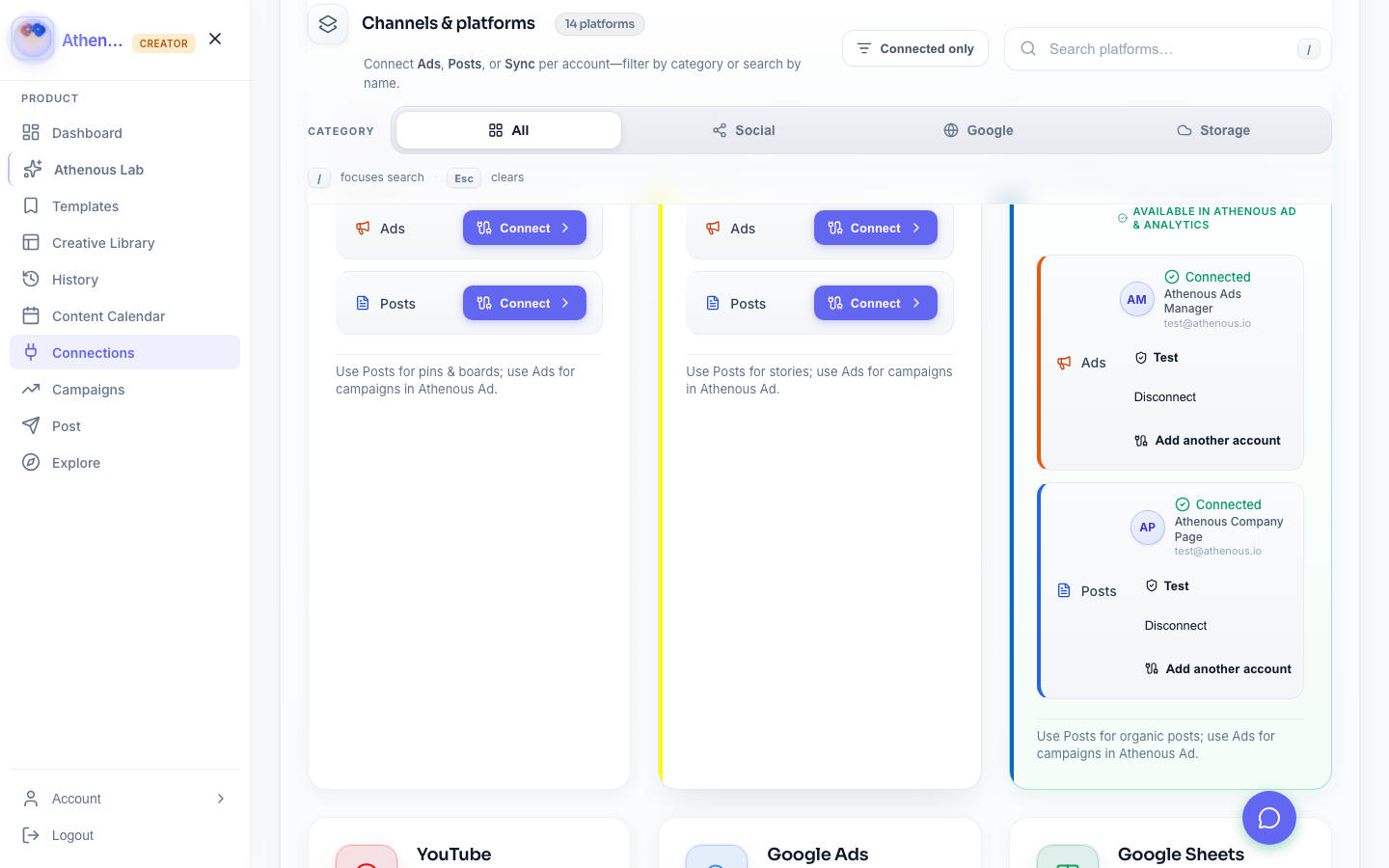
Open the Connector (Connections) module and add your Instagram and LinkedIn accounts. Complete each platform’s authorization. Once connected, both appear in Post when you create or schedule content. You can add Facebook the same way if you use it.
Step 2: Create and schedule from Post
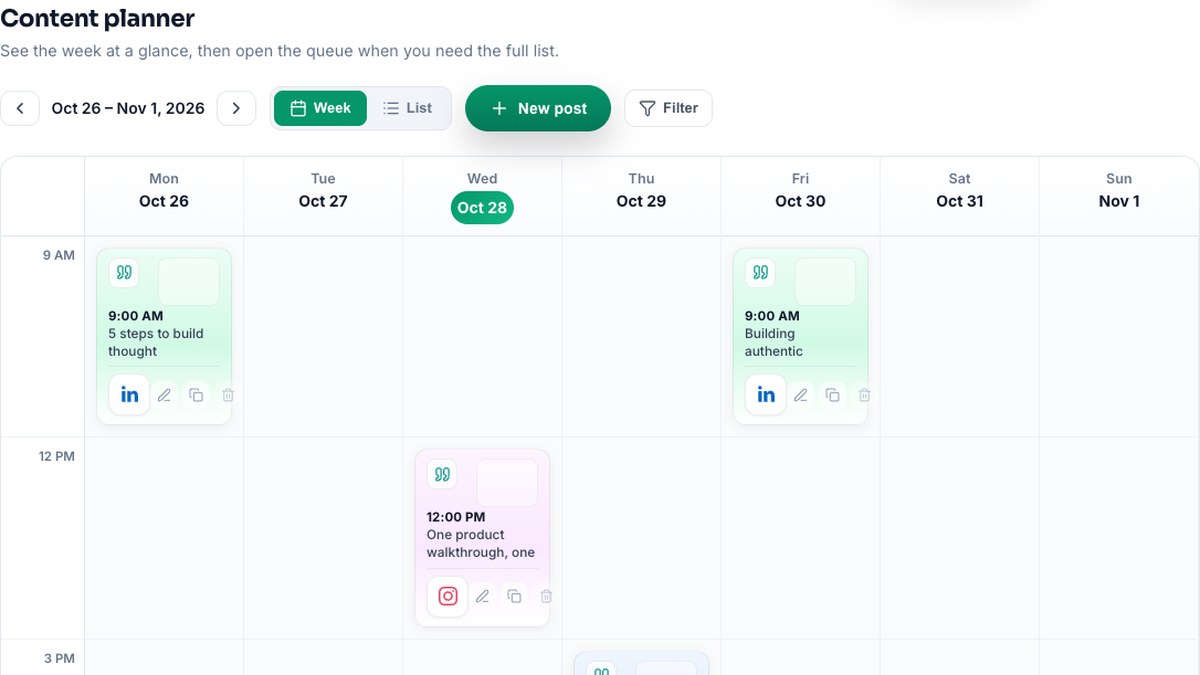
In Post, create a new post. Write or paste your copy (or use output from Lab), attach media if needed, and choose Instagram, LinkedIn, or both. Set the date and time. The calendar shows all scheduled posts for every connected channel so you can see the full picture.
Why one dashboard helps
You stop jumping between Instagram’s app, LinkedIn’s app, and a separate scheduler. One calendar, one workflow. For the full LinkedIn + Instagram flow including AI copy, see LinkedIn and Instagram workflow in Athenous and the cross-platform marketing tool.
Try Athenous for free
Connect Instagram and LinkedIn, create in Lab, schedule in Post. Start with a free trial—no credit card required.
Start free in 60 seconds