Athenous Templates
Free social media post templates for a real week
Each template is a situation, a line for when to use it, and a draft with brackets. Use it for LinkedIn, Instagram, X, or an ad, then open it in Athenous Post.
- 30+use-case posts
- 7categories
- 1workspace
Social post templates, ad copy, and campaign starters
Use a LinkedIn post when the week was quiet, an Instagram caption when the photo is the proof, or ad copy when you need a headline, a body, and a button. Campaign, automation, and analytics starters are in the same library.
Browse the library
The line under each title is when to use it.
No templates match. Try “week”, “price”, or “customer”.
The week nothing shipped
For a week where the work stayed open and a launch post would be a lie.
Use templateA take you would defend
When you keep saying the same thing in meetings and have never posted it.
Use templateSay the price out loud
When people keep asking what it costs and the post should answer first.
Use templateShow the work halfway done
For a build, campaign, or redesign that is not ready to announce.
Use templateName the weekly pain
For an ad aimed at people who already do the job by hand.
Use templateSay the discount and the end
When the offer has a price and a date you will honor.
Use templateThe draft they left open
When they started a post, a trial, or a cart and stopped.
Use templateOne customer, one number
When you have a result and the post should keep the constraint.
Use templateShow the work, not the slogan
When the ad should name a weekly task people already recognize.
Use templateProduct launch
Objective, messaging pillars, and channel checklist.
Use templateLead generation
Funnel brief for gated content and CRM handoff.
Use templateBrand awareness
Reach-first framing with creative angles and measurement.
Use templateRetargeting
Warm-audience flight for site visitors and engagers.
Use templateSpend spike → Pause + Slack
Watch spend and notify before budgets burn.
Use templateROAS drop → Notify team
Alert when return dips—route to Slack or email.
Use templateWeekly report
Scheduled digest of posts and campaign highlights.
Use templatePost failed → Notify
Catch publish failures so the calendar stays on track.
Use templateAttribution
Lab preset for channel contribution and conversion paths.
Use templateSaved Lab presets
Reuse winning prompts and tool configs without starting over.
Use templateIn the product
Fill the brackets, then create the post
Open a situation in Templates. Replace each bracket with this week, then send the draft to Athenous Post. Lab can write more from the same situation.
Open Templates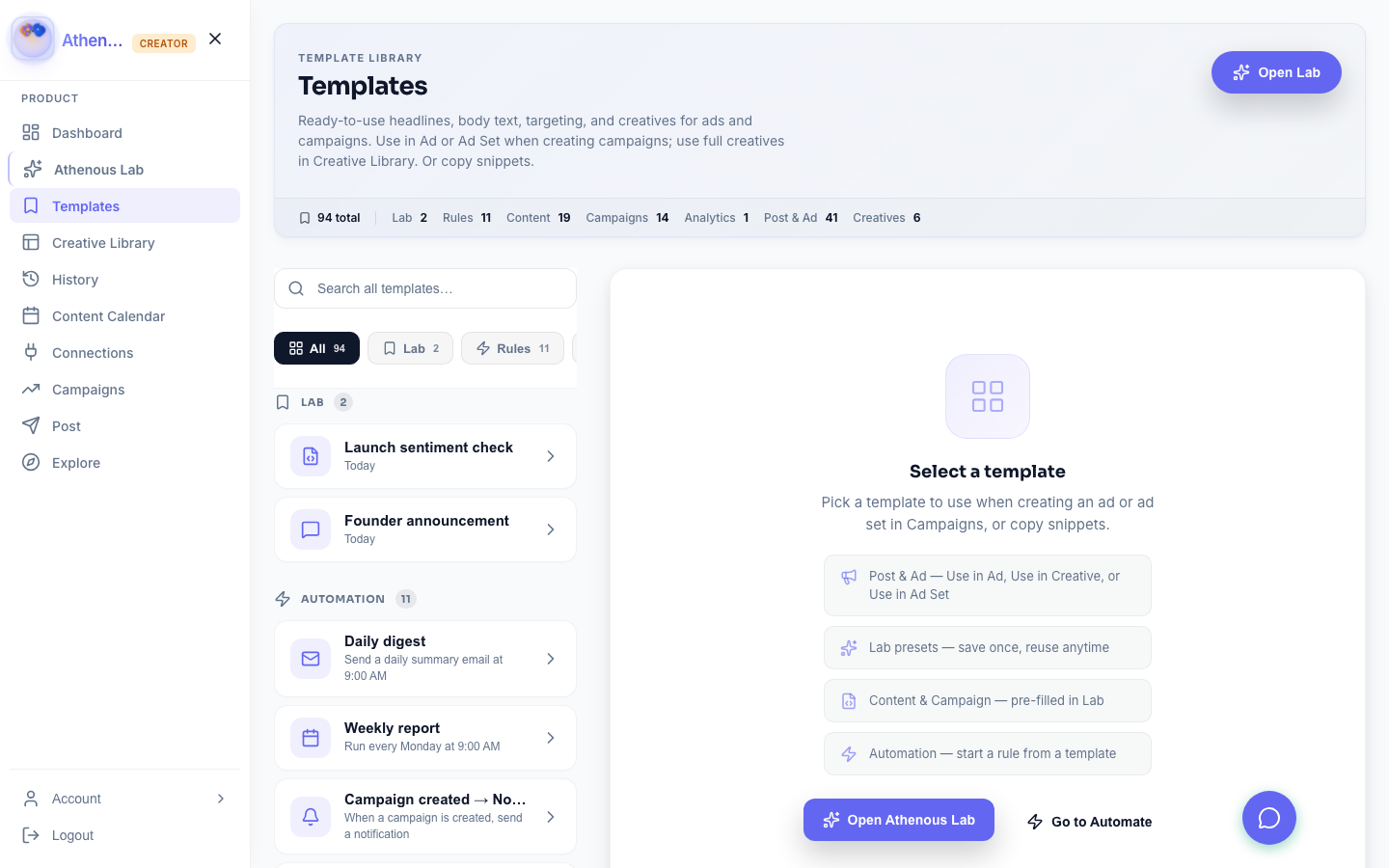
Three steps to this week’s post
Pick the situation that matches the week, then edit the draft.
- Pick the week Choose the situation: a quiet week, a price, a take, a customer number.
- Fill the brackets Replace each bracket with a detail from this week. Leave the structure.
- Create the post Open the draft in Athenous Post, or ask Lab for more variations.
Questions about these social media templates
Are these social media templates free?
Yes. You can browse every template on this page. Opening a draft in Athenous is included with your workspace.
Do you have LinkedIn and Instagram post templates?
Yes. The library includes LinkedIn posts, Instagram captions, a short thread, and a 30-second clip. Each one is a situation with a draft you edit.
Can I use a template for an ad?
Yes. Post and Ad templates include a headline, a caption, and a full creative with a button. Open one in Athenous Post or save it to Creative Library.
How do I use a template?
Open the template, replace each bracket with a detail from this week, then create the post. Use in Lab writes more variations from the same situation.
Can I save my own templates?
Yes. Save Lab prompts as presets and keep post or ad drafts in Templates for your team.
What goes in the brackets?
A real detail from this week: the thing you did not ship, the price, the customer's constraint, the number. The sentences around the brackets stay.
Open the full library
Search the situation, fill the brackets, and create the post.