The calendar
Profiles, drafts, and times live in organic scheduling. The full network list is on Athenous Social.
Use case
Draft in Lab, place the posts on the calendar, and add a rule in Automate once that cadence is steady. People still choose what goes live.
The stack
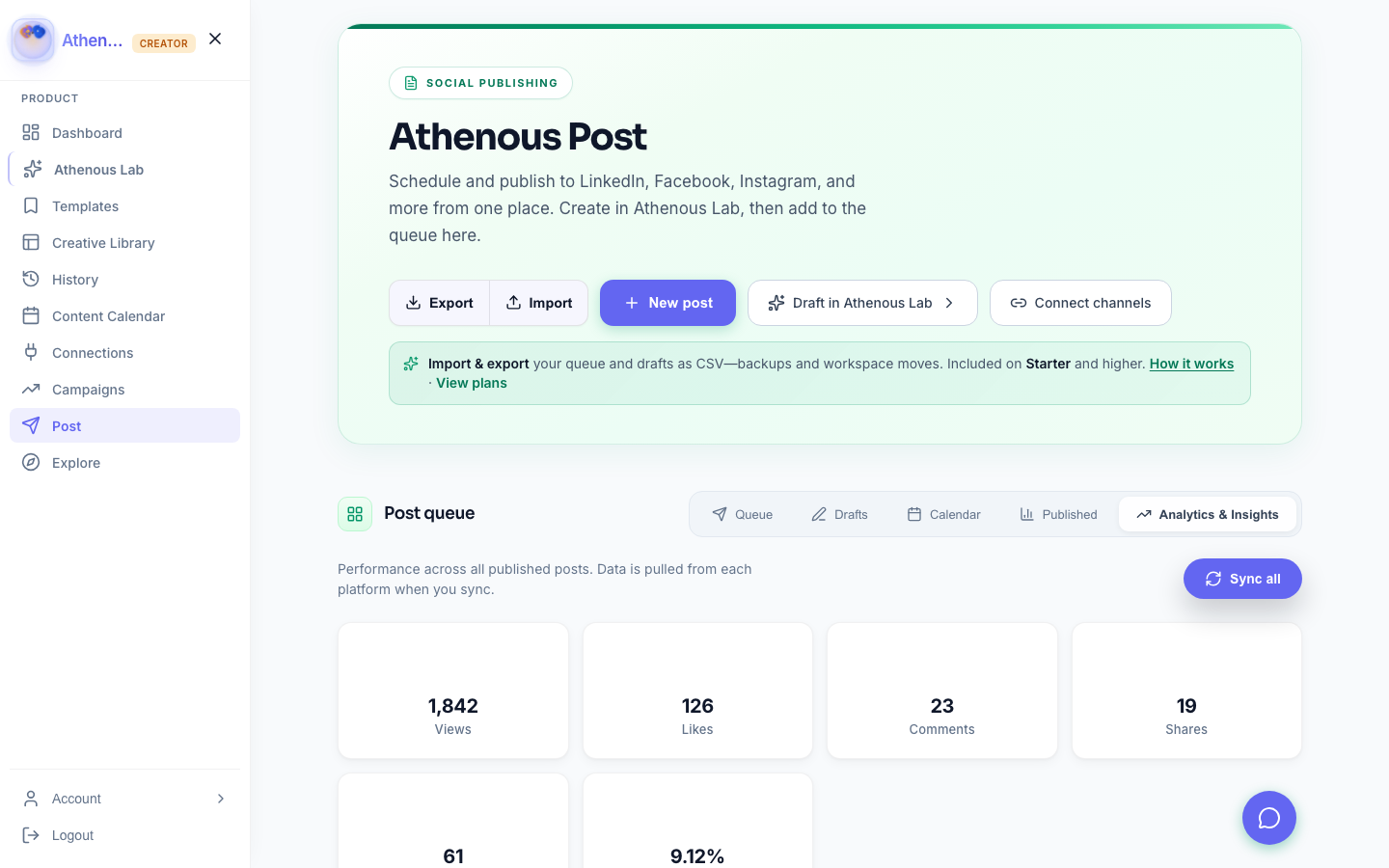
Start in Lab, then edit the caption in Post so each profile gets the version it needs.
Put the week on the calendar. The slot, the profile, and the time stay a choice a person makes.
Once the cadence repeats, add a reminder, a notice, or a webhook in Automate.
How it works
Link the organic accounts on your plan in Connections.
Compose in Post or paste from Lab, then set the date and time.
When the same notice happens every week, open Automate and attach only that step.
Check what the rule ran and what someone changed. Exceptions keep a named owner.
Why teams use it
Profiles, drafts, and times live in organic scheduling. The full network list is on Athenous Social.
Triggers, conditions, and actions live in automation workflows. The rule does the steps you attach.
Questions
Organic scheduling is the calendar in Post. Social automation adds a Lab draft and a rule in Automate once that cadence is predictable enough to trust.
A reminder, a notice, or another step you attached in Automate. Publishing still goes through the time and profile a person set in Post.
Anything you have not written a rule for. Name an owner for exceptions, and review each week what ran versus what someone changed.
Social media automation
Draft in Lab, queue the week in Post, and add a rule only when the cadence is steady.