Roles and workspaces
How to create a workspace per brand and invite people is on Team workspaces.
By company
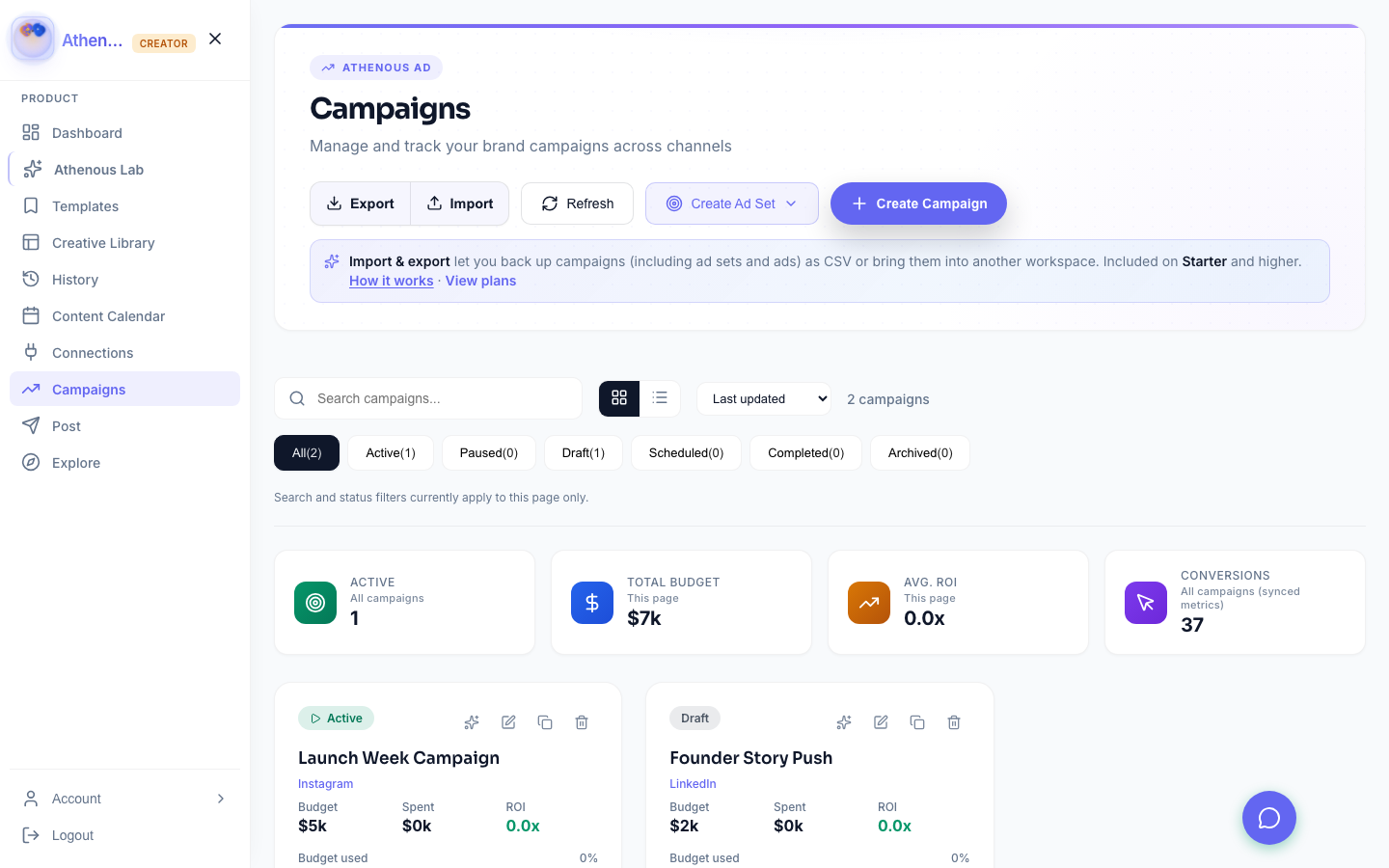
Give each brand or region its own workspace. Roles decide who sees the accounts, and Post plus Campaigns show what is live.
The rollout
Create one for the brand or region you are starting with. Connect the accounts that slice owns.
Invite the local team and, when you are ready, an agency partner. Match the roles to how you approve work.
Post holds the calendar. Campaigns holds the flight. Leadership reviews both in the workspace.
How it works
Pick one brand or region. Leave the rest until naming and reporting on this one are steady.
Link the profiles and ad accounts in Connections.
Use Collaborate so approval language matches the workspace.
Automate can carry a repeat once the handoff is already clear.
Why enterprise teams use it
How to create a workspace per brand and invite people is on Team workspaces.
Campaign, ad set, and ad are on Athenous Advertising. A concrete rollout is the enterprise use case.
Questions
Start with one brand or region. Connect the accounts that slice owns, and match approval language to workspace roles before you add the next one.
The workspace and its roles decide. A local team and an agency partner work on the same posts and campaigns, inside the boundary you set.
Post shows the organic calendar. Campaigns shows the flight. Both sit in the workspace, so a review does not start in a separate network login.
Enterprise
Scope the workspace, set the roles, and keep the calendar and the flight in the same place.